Skip to content
Agent Buddy
Overview Try it Agents Characters Desktop How it works
Get started

Characters

New looks. Same buddy.

Every character shows the same states: working, needs attention, complete, idle, and asleep. Try one live, then add it to your device or the desktop app.

Waking up your buddy…

Built-in characters
Character packs
State

Tip: tap the screen.

Included with Agent Buddy

Built in

Already in the app and on every device.

Copilot

Built in

The default character.

Claude

Built in

A pixel-art character.

Needs current device firmware

Grok

Built in

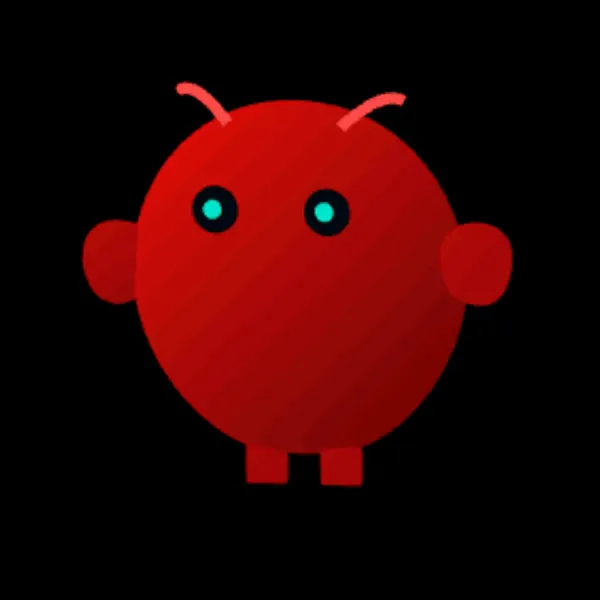
A ball with sliding eyes.

OpenClaw

Built in

It walks around the screen.

Add-on packs

New characters

Download a pack, then add it in Settings.

+Coming soon

More are on the way

New characters, such as seasonal packs, show up here. Check back soon.

Add a character pack

Three steps, no folders to find.

  1. Download the .acpk file of the character.
  2. In Agent Buddy, open Settings, select the Characters tab, select Add character pack, and choose the file. Agent Buddy copies the pack into its own folder, so you can then delete the download.
  3. Select Install to put the character on your device, or Show on desktop to use it in the desktop app.

A free preview has a Preview tag at the character's feet. The full character has the same id, so when you add it later, it replaces the preview. From a source checkout, you can also run npm run character path/to/pack.acpk.

Agent Buddy

An animated desk companion for your AI coding agents.

Characters GitHub Releases Documentation Changelog

Code under the MIT License. Agent Buddy and the Agent Buddy logo are trademarks of Dan Wahlin. Trademarks.